WhatsApp just got a little smarter. In December 2024, the Meta-owned messaging app introduced a revamped typing indicator designed to make group conversations clearer, more engaging, and easier to follow. In this article, we’ll explore what’s changed, how it works, and why it matters—especially in busy group chats.
What’s the New Typing Indicator?
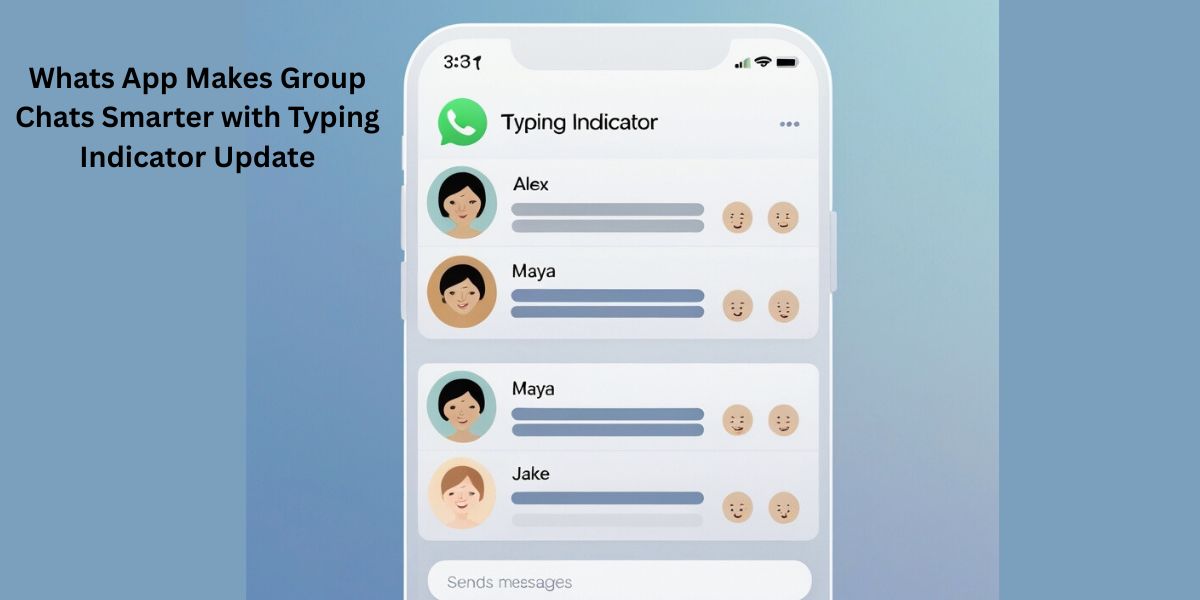
Previously, WhatsApp showed a simple “typing…” message at the top of individual and group chats—one participant at a time. Now, when someone begins typing in a one-on-one or group conversation, you’ll see animated three dots (“…”) at the bottom of the chat screen, accompanied by the profile picture of the person typing .
In group chats, it goes further: instead of showing just one name, WhatsApp now says “2 people typing” (or 3, 4, etc.) with corresponding avatars. This small redesign significantly improves visibility and realtime awareness of who’s actively engaging.
Why the Change Matters
1. Better Clarity in Busy Groups
Group chats can be chaotic. With several people typing at once, the old approach—displaying just one name at the top—was confusing. The new multi-person indicator gives clear visual cues without needing to scroll through the chat .
2. Streamlined User Experience
By relocating the indicator to the bottom and adding animations, WhatsApp reduces the need for users to shift attention away from the conversation window. This subtle change makes messages feel more lively and responsive.
3. Competitive Edge
Messaging apps like iMessage, Telegram, and Messenger have had dynamic typing indicators for some time. WhatsApp’s update brings it closer to industry standards—while maintaining its minimal and privacy-aware design.
How It Works
Here’s the new flow:
-
Multiple Typers: In group chats, once two or more people begin typing, WhatsApp calculates and displays the total number along with their avatars (e.g. “3 people typing”).
-
Bottom Placement: The animated dots float at the bottom of the chat, staying within your line of sight.
-
Platform-Wide: This applies across Android, iOS, and WhatsApp Web/Desktop.
What Users Are Saying
The response has been mixed. Many appreciate the improved group dynamics:
“Yes, it literally only came for me this week… I actually prefer it! It’s much easier to see if someone is typing now”.
Others, however, are frustrated by the change:
“I strongly dislike the new typing bubble… It looks bad…I really liked how the old way was different from the other messaging apps”.
Feature rollouts have also been inconsistent—some users got it weeks later, others never saw it—causing minor complaints .
Testing and Rollout
The feature first appeared with beta version 2.25.20.17 on Android, tracked by WABetaInfo. Soon after, it was spotted across iOS and Web platforms. Full rollout has been gradual, with WhatsApp indicating that the update “will reach more users in the coming weeks”.
It’s part of a broader WhatsApp design upgrade—alongside voice-note transcription, layout tweaks, and updated voice-recording controls—all aimed at enhancing real-time engagement.
Pros and Cons: A Quick Breakdown
| 👍 Pros | 👎 Cons |
|---|---|
| • Clearer indicators of who’s typing in group chats | • Visual element may clutter at the bottom |
| • More dynamic, engaging conversation flow | • Inconsistent rollout across users |
| • Easier to stay in-the-know without switching screens | • Some users prefer the simple old-format |
| • Keeps pace with Messenger-style interfaces |
Why Now?
-
Group-Centric Communication: With WhatsApp groups more common for family, school, or work chats, real-time clarity has become essential.
-
Meta’s Ecosystem Unity: Aligns WhatsApp’s behavior with Messenger and Instagram for a cohesive user experience.
-
User Engagement: Animated indicators subtly encourage multitasking, keeping users in the conversation.
Final Thoughts
WhatsApp’s typing indicator update isn’t a revolutionary overhaul—it’s a thoughtful adjustment aimed at improving group chat awareness. By showing how many people are typing and featuring their avatars, WhatsApp has enhanced real-time clarity without overwhelming users.
Reactions are split, as is common with UI updates. But for many, this change fosters smoother, more connected conversations—especially in lively group chats.
TL;DR Summary
-
WhatsApp switched from a static “typing…” notice to animated dots plus avatars at the bottom.
-
Multiple people now appear as “X people typing” in group chats.
-
This update aims to bring real-time visibility and engagement to conversations.
-
It’s rolled out gradually: Beta Android → iOS and Web.
-
User feedback ranges from enthusiastic embrace to resistance.
-
Overall, it’s a subtle yet practical step forward in messaging UX.
Let me know if you’d like a detailed tutorial, tips for optimizing group chat layouts, or an overview of other recent WhatsApp updates!